Monitor calibration tool
💼 Productivity
- Run apps side-by-side (browser + docs, coding + preview)
- Fewer tab switches → faster workflow
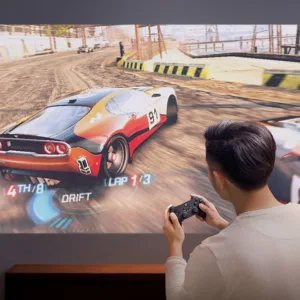
🎮 Gaming + Multitasking
- Game on one screen, Discord/YouTube/OBS on the other
- Great for streaming setups
🎬 Content Creation
- Timeline on one monitor, preview on the other
- Ideal for editing, design, and programming
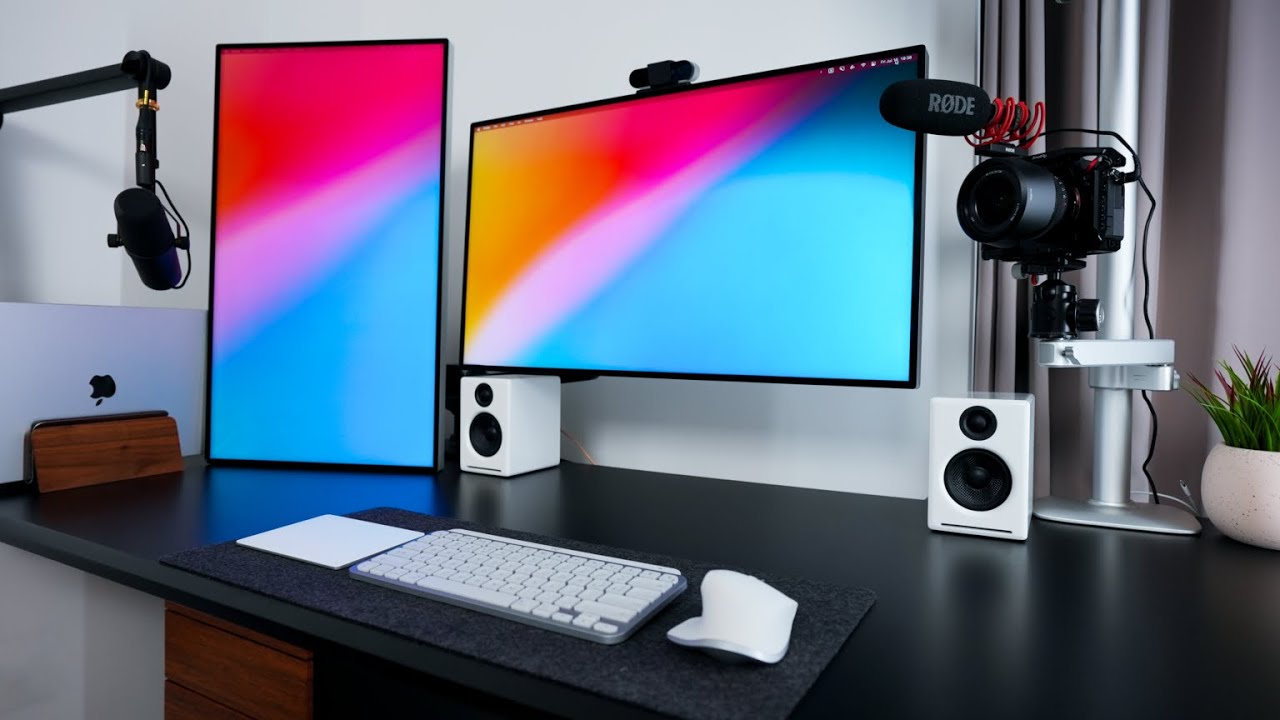
🖥️ Best Dual Monitor Configurations
✅ 1. Identical Monitors (Recommended)
- Same size, resolution, and refresh rate
- Clean, symmetrical look
- Best for gaming + productivity
👉 Example: Two 27″ 1440p monitors at 144 Hz
⚖️ 2. Mixed Setup (Popular)
- Main monitor (better specs) + secondary monitor (basic)
- Saves money
👉 Example:
- Primary: 27″ 1440p 144 Hz (gaming)
- Secondary: 24″ 1080p 60–75 Hz (apps, chat)
🧱 3. Ultrawide + Secondary Monitor
- Ultrawide for main work/gaming
- Second monitor for tools
👉 Best for creators or multitaskers
🦾 Best Mounting Option (Highly Recommended)
🎯 Use a Dual Monitor Arm
- BONTEC Dual Monitor Arm – Budget-friendly, solid performance
- HUANUO Dual Monitor Desk Mount – Best value for most setups
- Ergotron LX Dual Monitor Arm – Premium build, ultra-smooth movement


Reviews
There are no reviews yet.